Stock Count

Count your shelves and let the app fix the differences.

  1. Products → the clipboard icon (Stock Count).
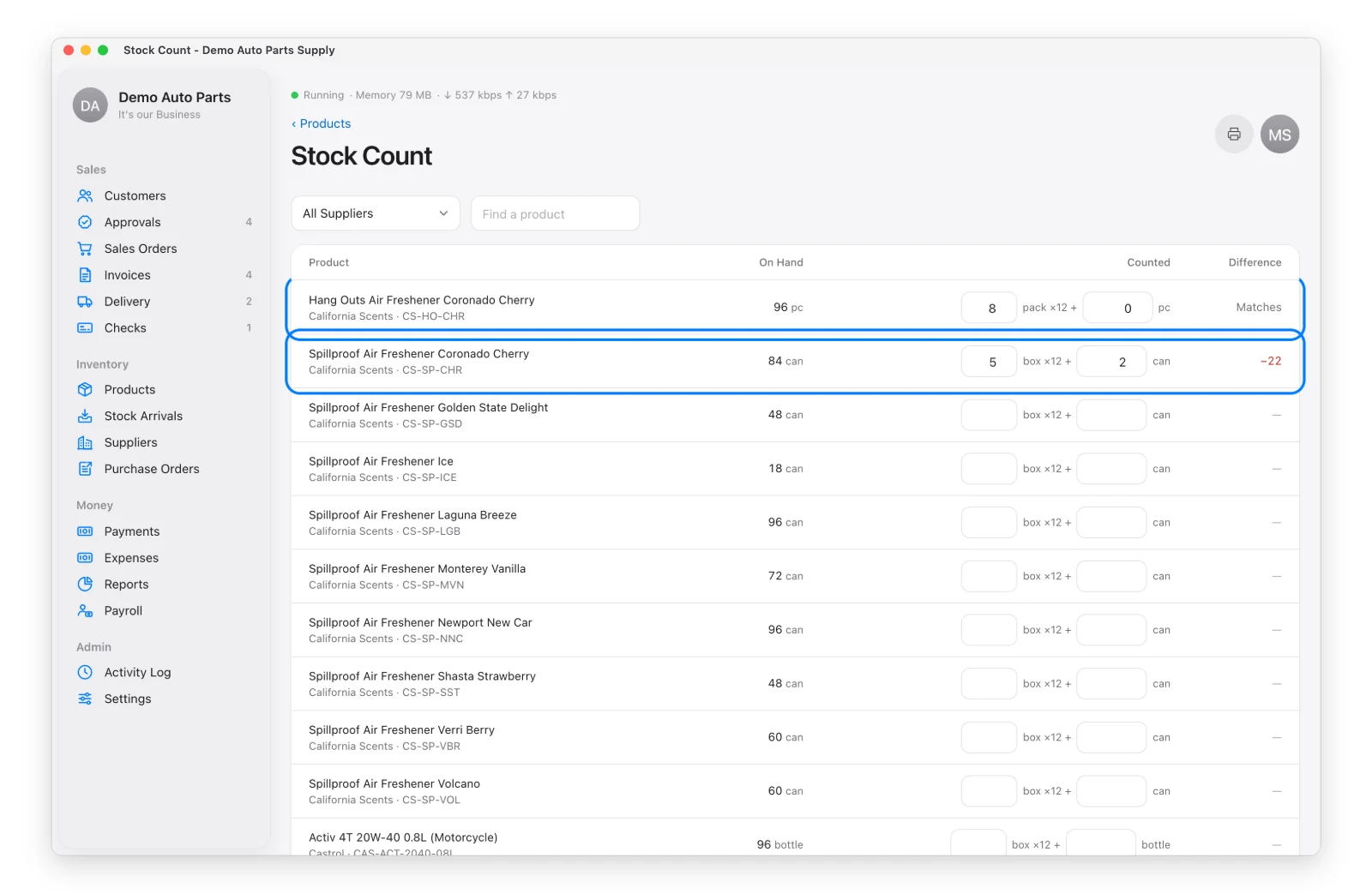
  2. Filter by supplier or search to find products. Print the count sheet if you count on paper.
  3. Type what you counted — cases and pieces. The difference shows as you type. Leave a row blank to skip it.
  4. Add a note and Save Count.

A few rows of the Stock Count page

Each changed product gets a stock adjustment (reason “Count Correction”) in its history.

You need permission to adjust stock. For a single product, use Adjust Stock on the product instead.

Inventory Reports

Reports → Inventory: stock on hand and its value, and Days Covered — how many days your stock will last at the current sales rate (Critical under 7 days, Low under 14).
See Also


Back to top

Not all features are available in every copy of Distribution App. Some features, such as Payment QR Code, Salesman Locations and Signed Delivery Receipts, are add-ons that must first be switched on in Settings › Features. Once the free trial ends, the app needs a license key or activation code. Distribution App runs on Mac and Windows; staff phones and tablets connect through the office computer on the same Wi-Fi network. Tax records, receipts and reports follow Philippine (BIR) rules and may not suit businesses in other countries. Screens in this guide show the Demo Company — all names, addresses and prices are made up — and may look slightly different from your version of the app. Features may change without notice. Learn more at github.com/totoantonio/DistributionApp. Copyright © 2026 totoantonio. All rights reserved.