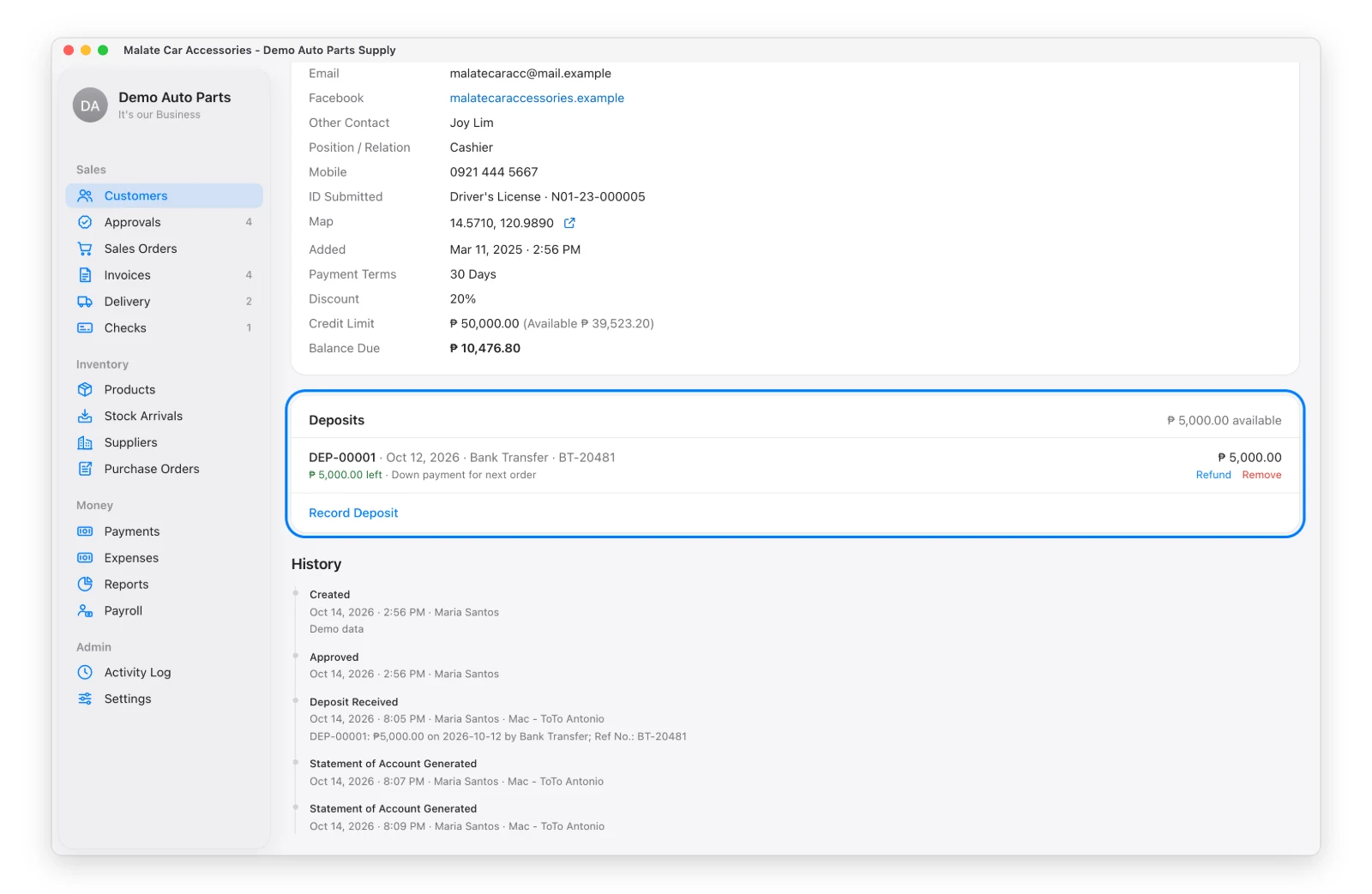
A deposit is money a customer pays before there’s an invoice to apply it to.
Record a Deposit
Open the customer → Deposits card → Record Deposit. Type the date, amount, method and reference. It gets its own number (DEP-00001).
Use It on an Invoice
On the invoice, click Pay from Deposit. It’s recorded like a normal payment (method “Deposit”), so balances and statements stay right. The card shows how much of the deposit is left.
Refund or Remove (Admin)
Refund — gives back whatever is left (date, method, reference).
Remove — for mistakes only. It works only on a deposit that hasn’t been used or refunded, and needs a reason.