Install on a Mac
It takes about 2 minutes. You need macOS 13 Ventura or later.
1. Download
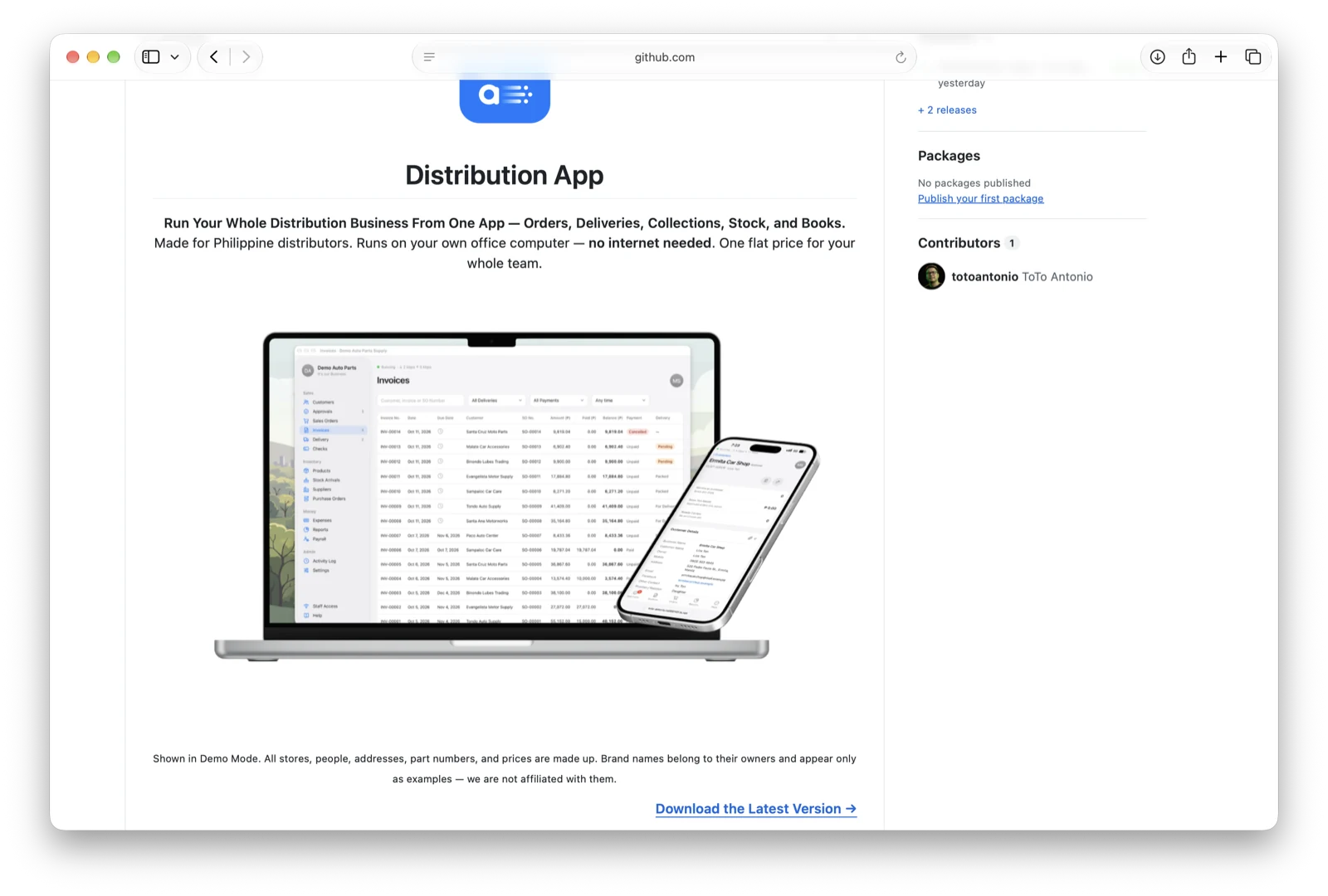
On the Distribution App page, click Download the Latest Version →. Then click the file ending in -mac.zip (for example DistributionApp-1.3.0-build31-mac.zip).
2. Unzip
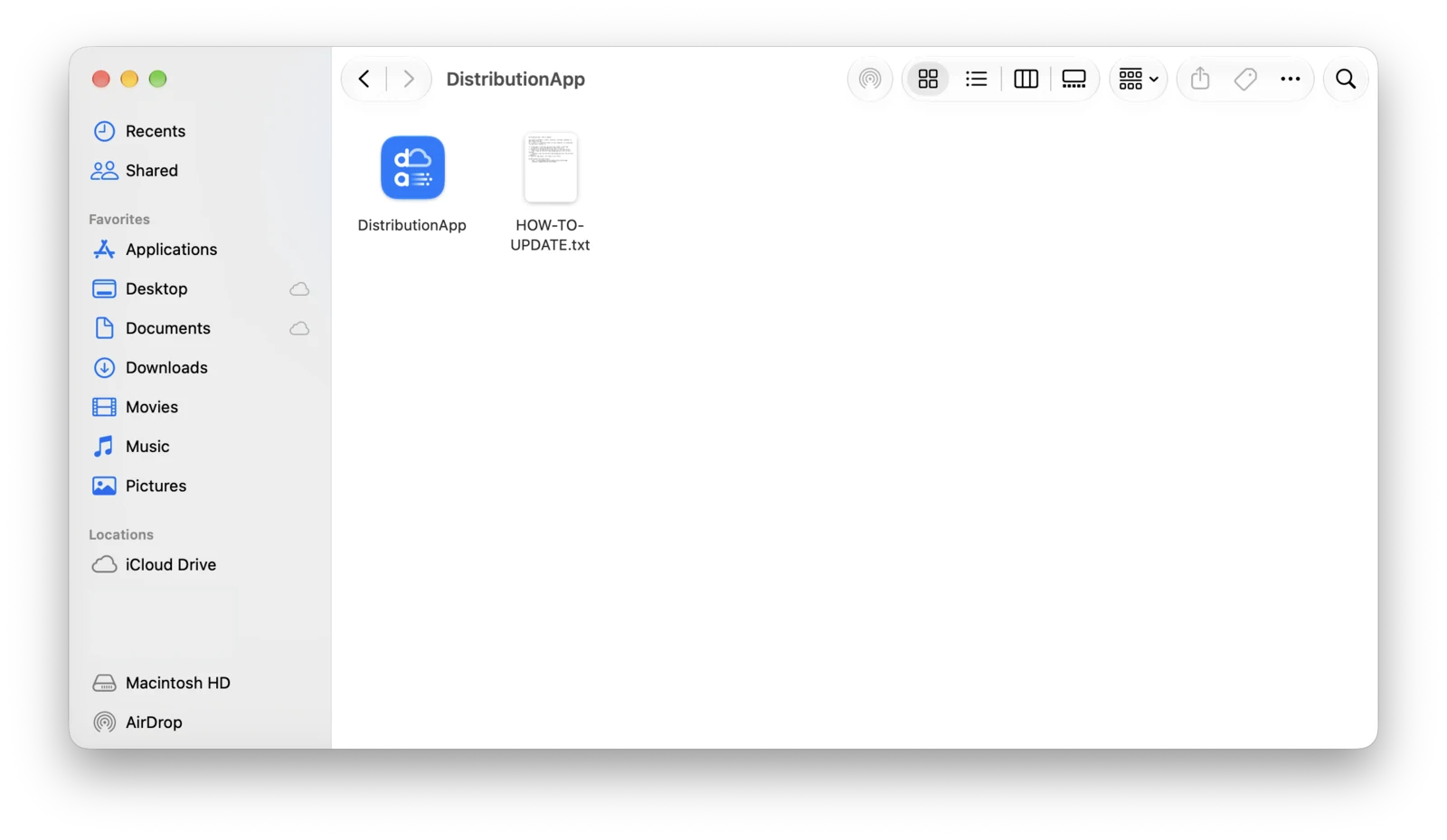
Open your Downloads folder and double-click the zip. A DistributionApp folder opens with two items: the DistributionApp app and HOW-TO-UPDATE.txt.
3. Move It to Applications
Drag DistributionApp into the Applications folder.
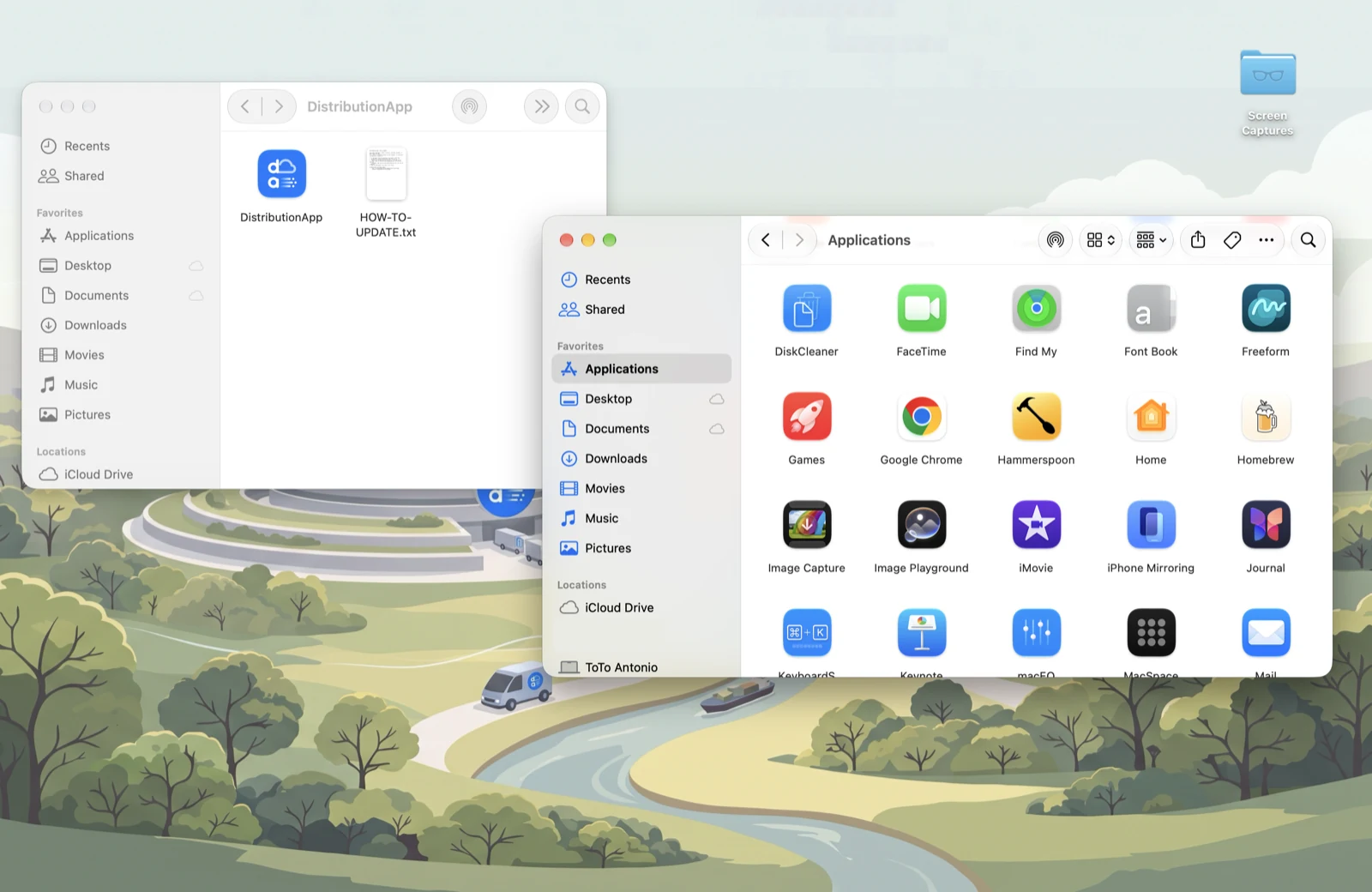
Keep the app outside your Documents and Desktop folders — macOS asks for extra permission there, and the app may not start.
4. Open It
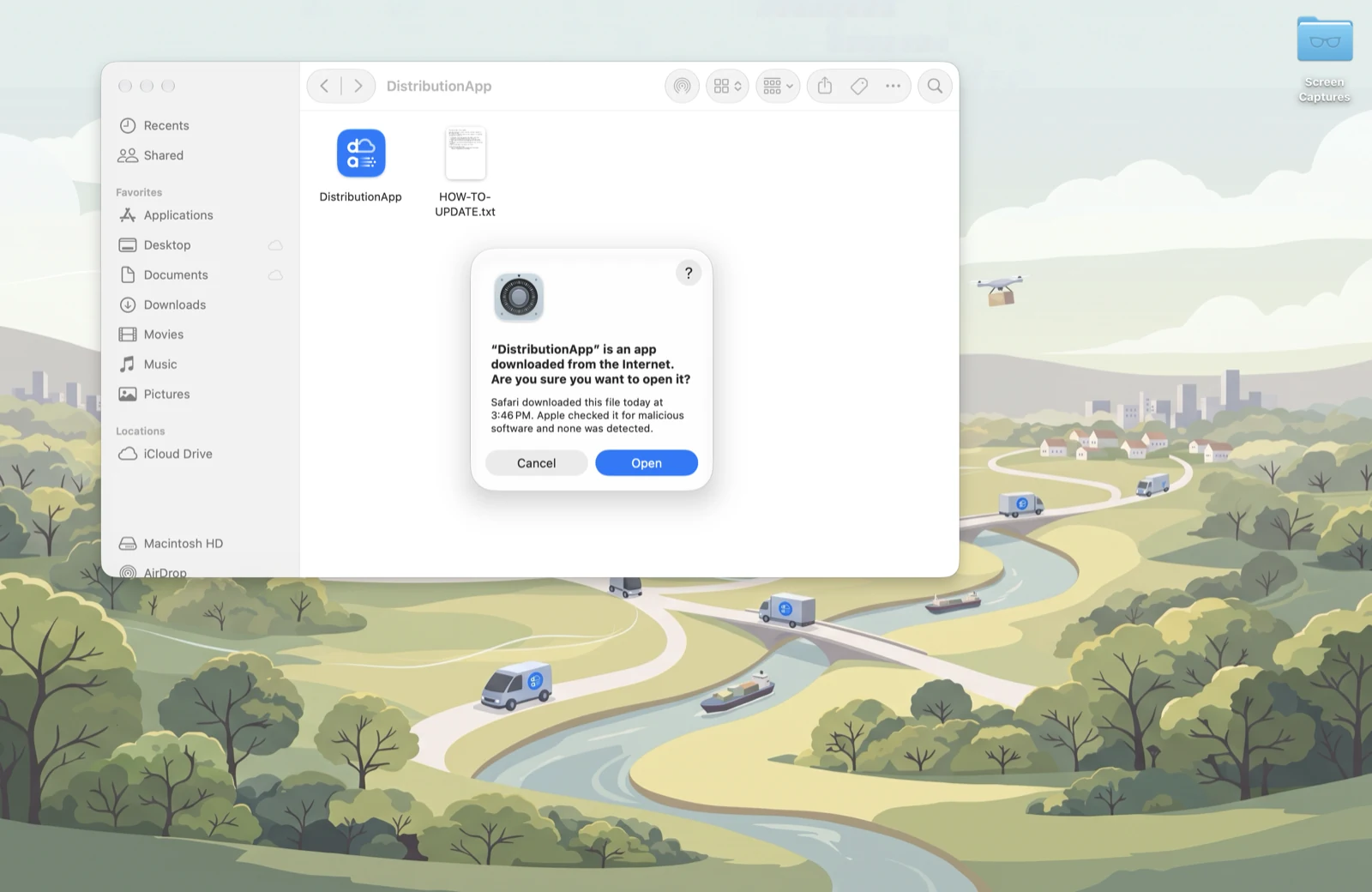
Double-click DistributionApp in Applications. The first time, macOS asks whether you’re sure — click Open. (The app is notarized by Apple, so this is the normal question for any downloaded app.)
The app opens in its own browser window and shows the Welcome screen. Next: Try the Demo or Set Up Your Company.
Good to Know
- No Dock icon. The app runs quietly in the background. To open the window again, double-click DistributionApp in Applications.
- Quitting: Settings → Quit. A backup is saved every time you quit.
- Your data lives in
~/Library/Application Support/DistributionApp— separate from the app, so updating never touches it.