Reports
Reports opens with four headline cards — Sales, Receivables, Payables and Inventory Health — and every other report grouped below.
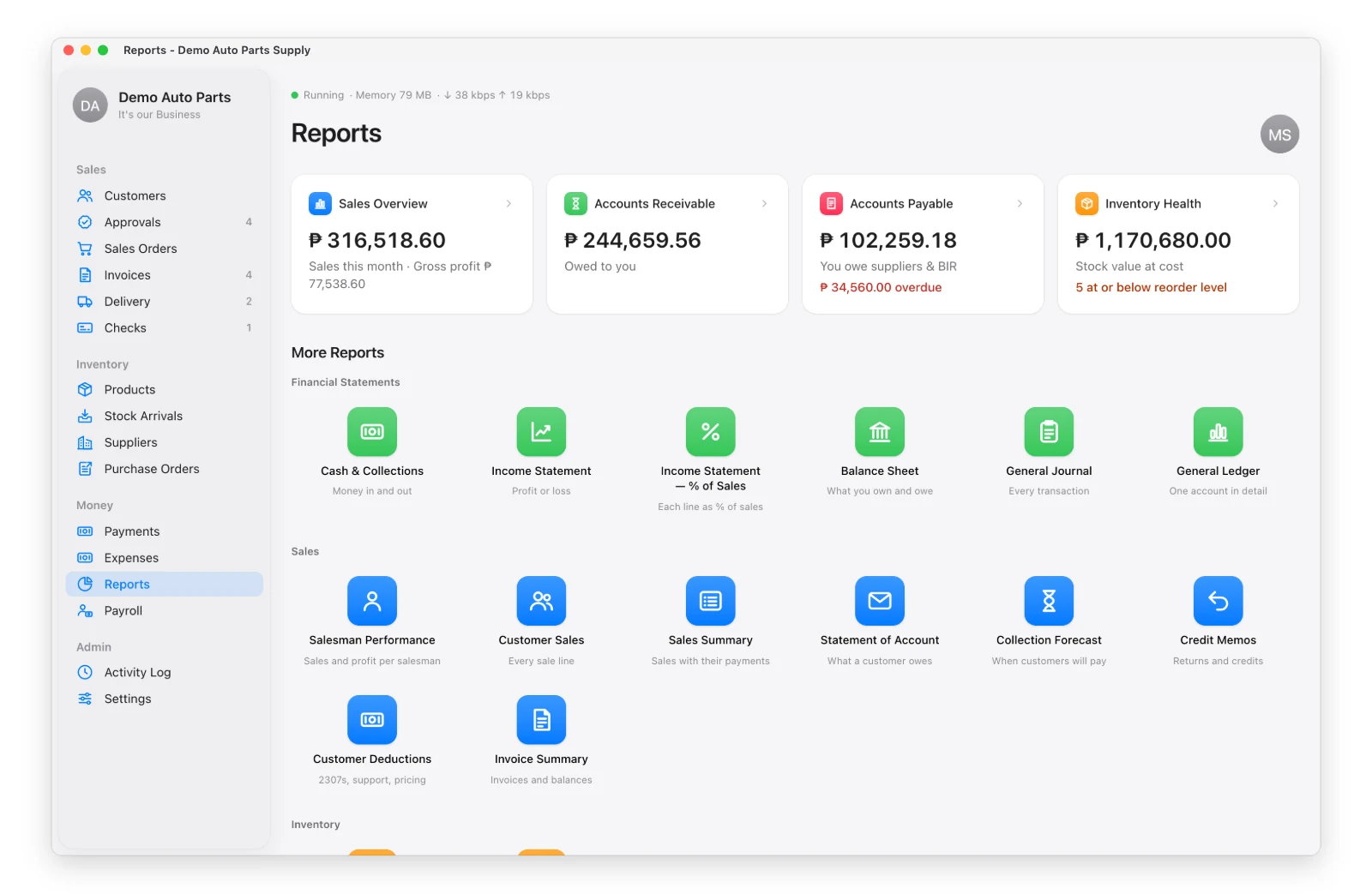
Every report has date shortcuts, filters that apply as you change them, Print / Save PDF and Export CSV.
The Main Ones
| Group | Reports |
|---|---|
| Financial (admin) | Income Statement, Cash & Collections, General Ledger, Trial Balance, Balance Sheet |
| Sales | Sales Analysis, Sales Summary, Invoice Summary, Customer Sales, Accounts Receivable, Collection Forecast, Statement of Account, Credit Memos, Customer Deductions |
| Payables | Accounts Payable, BIR Taxes |
| Inventory | Inventory Report, Days Covered |
| Accounting & Tax | Taxes Invoiced |
| Expenses | Expense Summary |
| Team | Salesman Performance, User Summary |
Sales Analysis
Group sales by supplier, brand, product, part number, customer or day — with gross profit for people allowed to see it.
Salesman Performance
Each salesman sees My Performance: their monthly sales chart, sales by brand and their expenses. The admin can pick any salesman and also see gross profit, costs and the profit they made for the company.
Who Sees Which Report
The admin picks, per person, which report cards they see: Settings → Users & Permissions.