Features and Add-ons
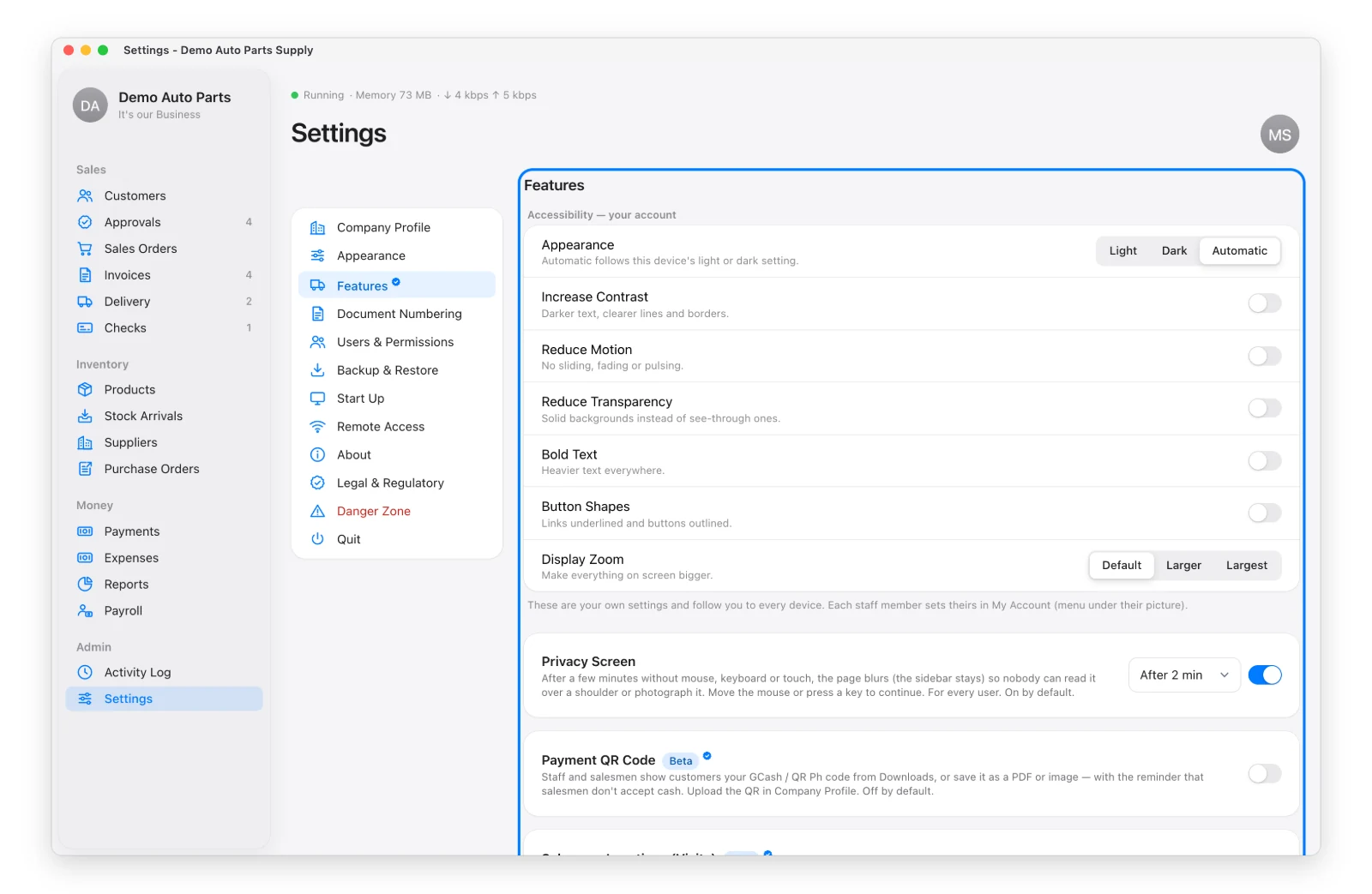
Settings → Features has a switch for each optional feature.
| Feature | What It Does | Default |
|---|---|---|
| Privacy Screen | Blurs the page after 1–10 idle minutes; any touch or key brings it back | On |
| Require Proof of Order | A salesman’s order stays a Draft until a signed PO or photo is attached | Off |
| Payment QR Code (add-on) | Your GCash / QR Ph code on a printable “Scan to Pay” sheet | Off |
| Salesman Locations (add-on, Beta) | Check-ins at customers, where orders were taken, and asking a salesman where they are — only after they agree | Off |
| Signed Delivery Receipts (add-on) | Drivers photograph the signed receipt on the Delivery page | Off |
Add-ons
Add-ons are paid extras. They’re included in your activation code — buying one later means a new code, pasted in License the same way. During the free trial and in the demo, every add-on is on so you can try it.
Payment QR Code
After turning it on, upload your QR in Company Profile with the account name and number. Everyone can then open Downloads → Payment QR Code to print it or save it as a picture for customers.
Salesman Locations
Each salesman is asked once whether to share their location, and can turn it off in My Account. Location is taken only while the app is open on their phone — never in the background — and only when they save an order or payment, check in, or answer your request.
Phones share location only over a secure (https) address — turn on Remote Access first.