Settings
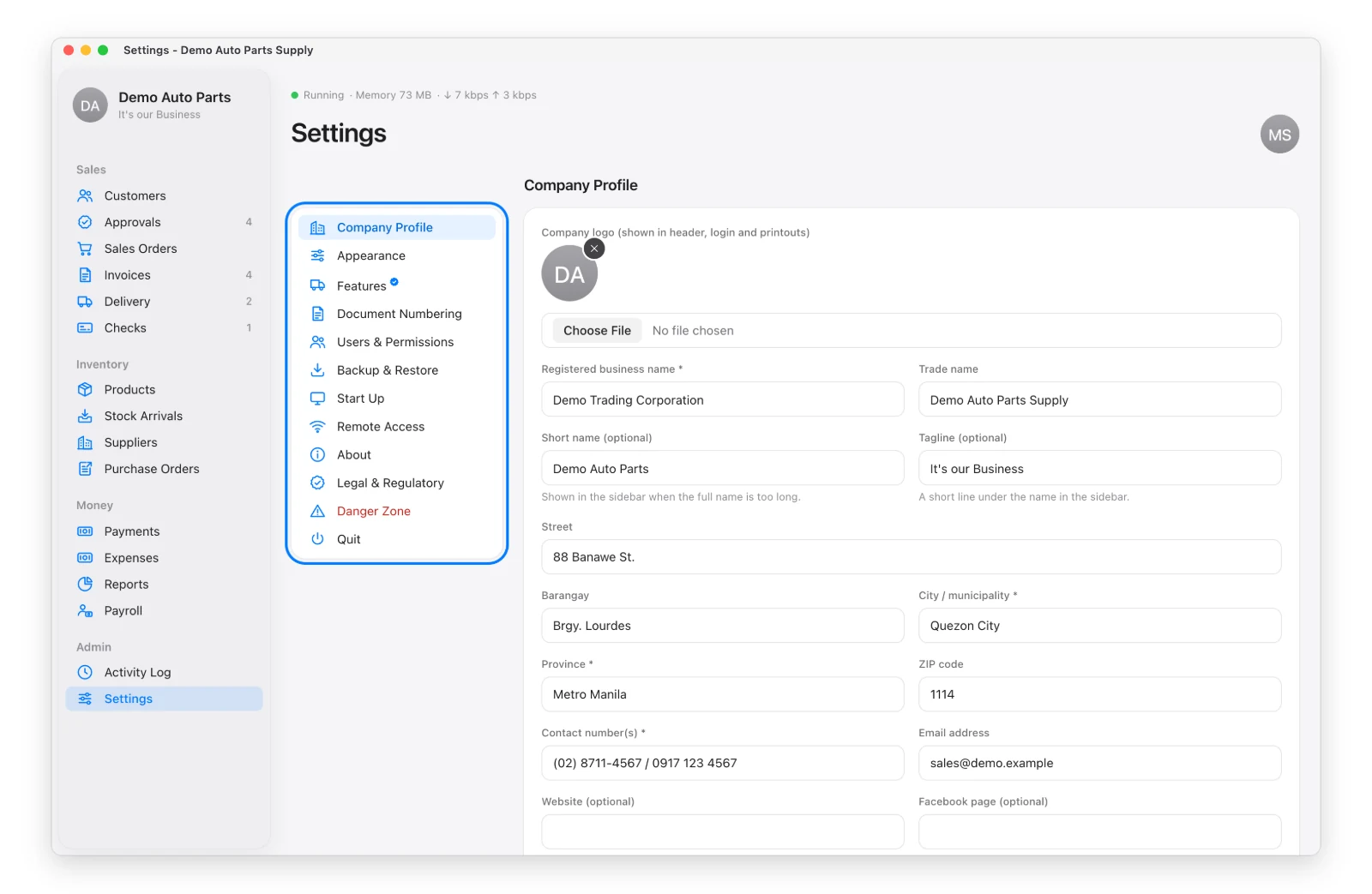
Settings (admin only) is in the sidebar under Admin. Pick a section on the left:
| Section | What It’s For |
|---|---|
| Company Profile | Name, logo, address, TIN, bank details and invoice fine print — printed on your forms |
| Appearance | App font; show or hide the demo bar |
| Features | Turn optional features on or off — see Features and Add-ons |
| Document Numbering | Prefixes for numbers like SO-, INV-, CUST- (new records only) |
| Users & Permissions | See Users and Permissions |
| Backup & Restore | See Backups and Updates |
| Start Up | Start the app when the computer starts — see Keep It Running |
| Remote Access | Reach the app outside the office with Tailscale |
| About | Version, updates and license |
| Legal & Regulatory | License agreement, warranty, privacy |
| Danger Zone | Delete the company and start over |
| Quit | Stop the app (a backup is saved) |
Everyone, including staff, also has My Account under their picture.
Danger Zone → Delete Company erases everything. It asks for the company name and your password, and saves a backup first — but treat it as final.